Firm OS & Practice Operations
Firm Client Relationships & Key Account CRM
Long-term relationship cockpit for corporate retainers, general counsels, and key enterprise accounts: health scores, retainer renewal milestones, feedback, and cross-practice expansion.
8 min read•Firm OS Enterprise•Updated October 2026
1.Monitor Client Relationship Health
Click 'Client Relationships' in the CLIENTS & GROWTH sidebar group.
Controls:Relationship Health MatrixRetainer Renewal Radar
- Why it is there: To nurture enterprise client relationships and track retainer utilization over time.
- How it helps: Alerts partners before retainers expire, identifies cross-selling opportunities, and monitors client satisfaction.
- Displays: Key Account Name, Annual Retainer Value, Active Matters across departments, and Health Index (Green/Amber/Red).
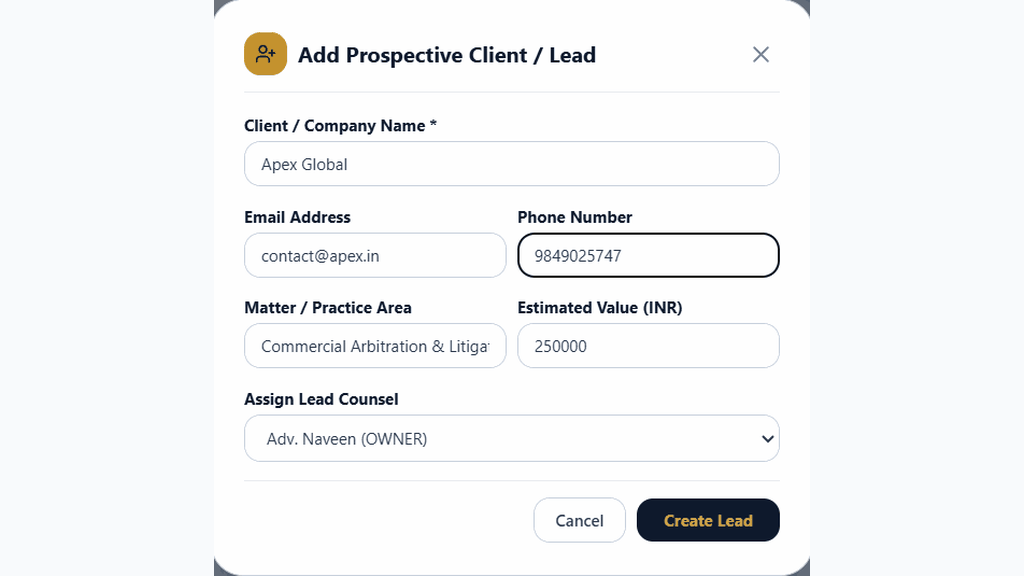
Chamber Authentication Required
Step 1 is shown above as a preview. All remaining procedural steps, litigation blueprints, and interactive controls require an active chamber or firm login.
Frequently Asked Questions
- Who in the firm can perform actions in Firm Client Relationships & Key Account CRM?
- Managing Partners, Equity Partners, and authorized administrators have full write permissions according to the firm's RBAC matrix.
Was this guide helpful?
Your feedback directly shapes our support documentation.