Firm OS & Practice Operations
Firm Matter Lifecycle & Stage Velocity Analytics
Detailed lifecycle tracking: turnaround time analysis across Notice, Pleadings, Evidence, Arguments, and Decree stages, court bottleneck identification, and SLA monitoring.
8 min read•Firm OS Enterprise•Updated October 2026
1.Inspect Matter Stage Velocity
Click 'Matter Analytics' in the ANALYTICS sidebar group.
Controls:Stage Duration ChartBottleneck Alert Filter
- Why it is there: To track how efficiently matters move through procedural litigation stages.
- How it helps: Identifies judicial bottlenecks, detects stalled matters, and measures average draft turnaround velocity.
- Stages Tracked: Pre-Litigation Notice -> Filing & Registry Clearance -> Pleadings -> Evidence & Cross -> Final Arguments -> Decree Execution.
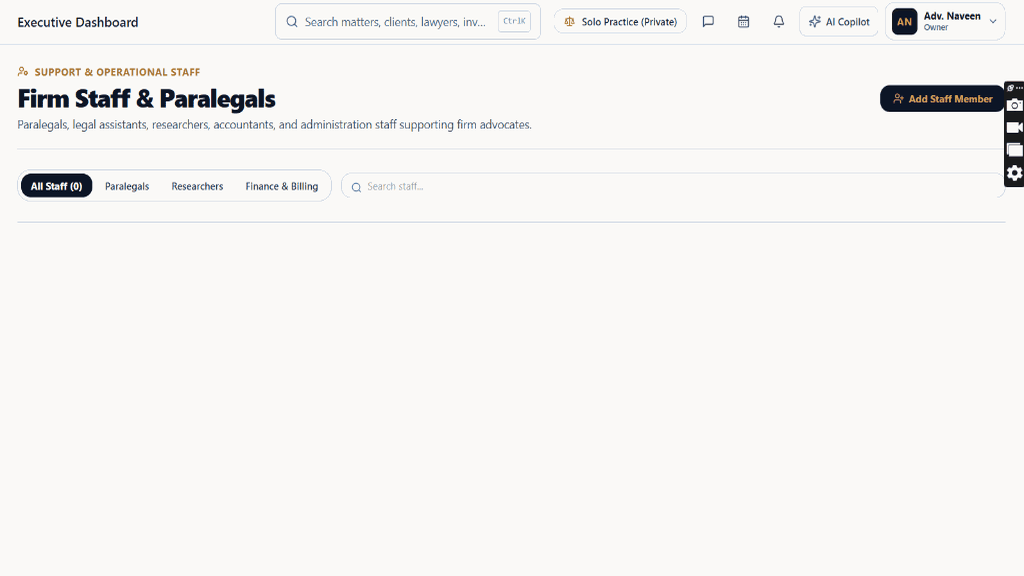
Chamber Authentication Required
Step 1 is shown above as a preview. All remaining procedural steps, litigation blueprints, and interactive controls require an active chamber or firm login.
Frequently Asked Questions
- Who in the firm can perform actions in Firm Matter Lifecycle & Stage Velocity Analytics?
- Managing Partners, Equity Partners, and authorized administrators have full write permissions according to the firm's RBAC matrix.
Was this guide helpful?
Your feedback directly shapes our support documentation.